Apply loopback and BGP configuration policies to establish external routing.
Deploy loopback interface and BGP peering policies to external devices, automating the configuration of external routing protocols and ensuring consistent implementation across devices.
Establish BGP peering sessions between border leafs and external routers using the deployed policies, enabling route exchange and external connectivity for your VXLAN fabric tenants.
Navigate back the Switches tab to launch the deployment of the Loopback interface and BGP policy you created.
The total lines of configuration between creating the loopback and adding a BGP network statement for the Loopback interface is 10 lines. Once done reviewing:
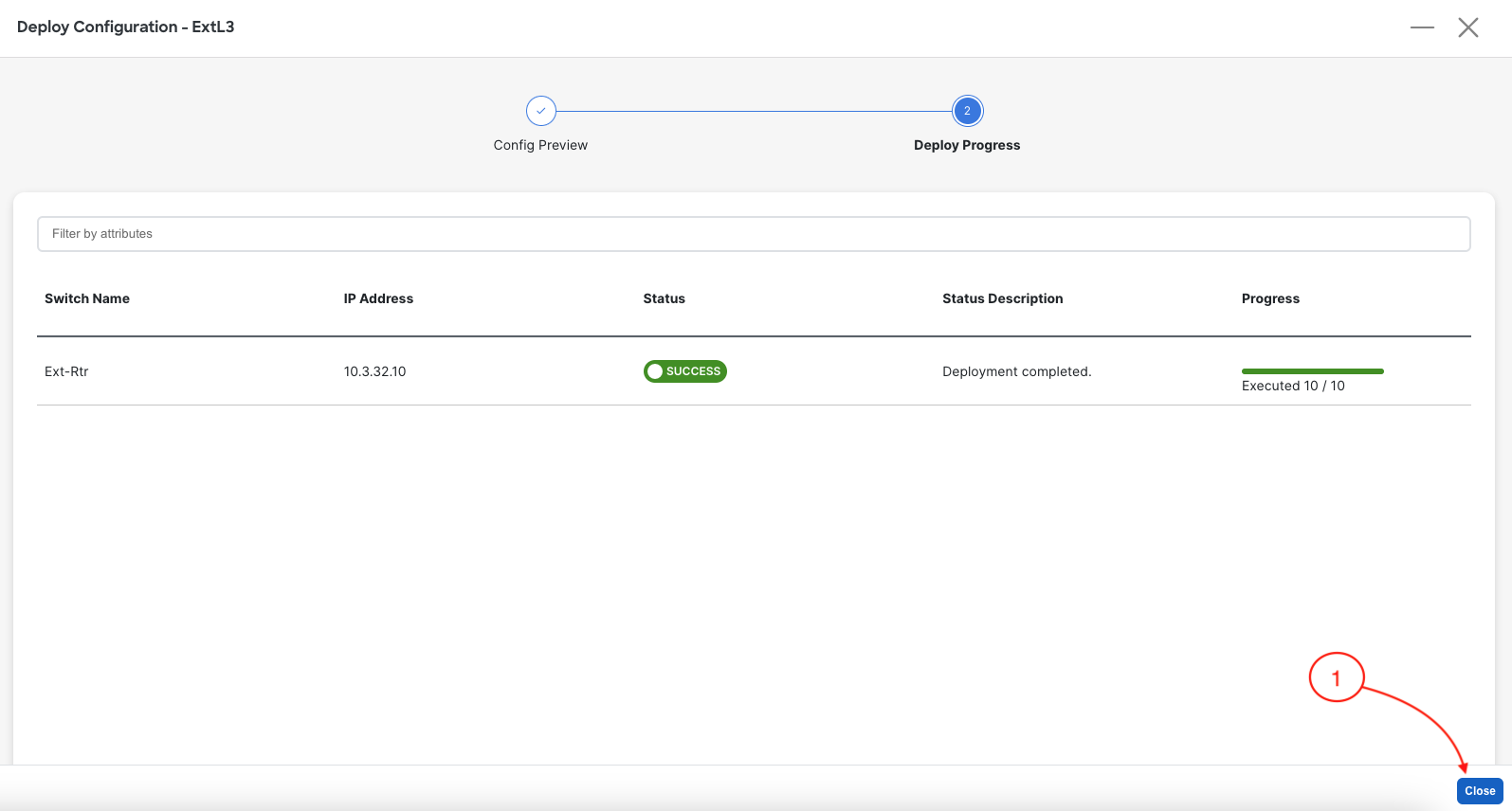
Upon a successful deployment, Nexus Dashboard's Deploy Configuration wizard should look as shown in the screenshot below; all green with SUCCESS messages and each switch's expected configuration progress bar also displaying as green and fully executed. If any error occurred, Nexus Dashboard will display a notification and the status reverted back to Out-of-Sync.
Back at the main Switches overview, your Ext-Rtr should display a Config Status of In-Sync. You may need to hit the Refresh button, if the Config Status has not been updated.