Deploy base configuration to external devices and validate connectivity before proceeding with VRF extensions.
Deploy the initial External Fabric configuration to both border leaf and external router devices, establishing the foundation for VRF Lite connectivity and external routing.
Verify that base configuration is properly deployed and devices are ready for tenant VRF extensions, ensuring reliable external connectivity for your VXLAN fabric.
At the top right of the ExtL3 fabric, locate the fabric-level Actions button:
In the Deploy Configuration wizard, you can visually see that not many lines of configuration are required to be configured to your ExtL3 fabric external device.
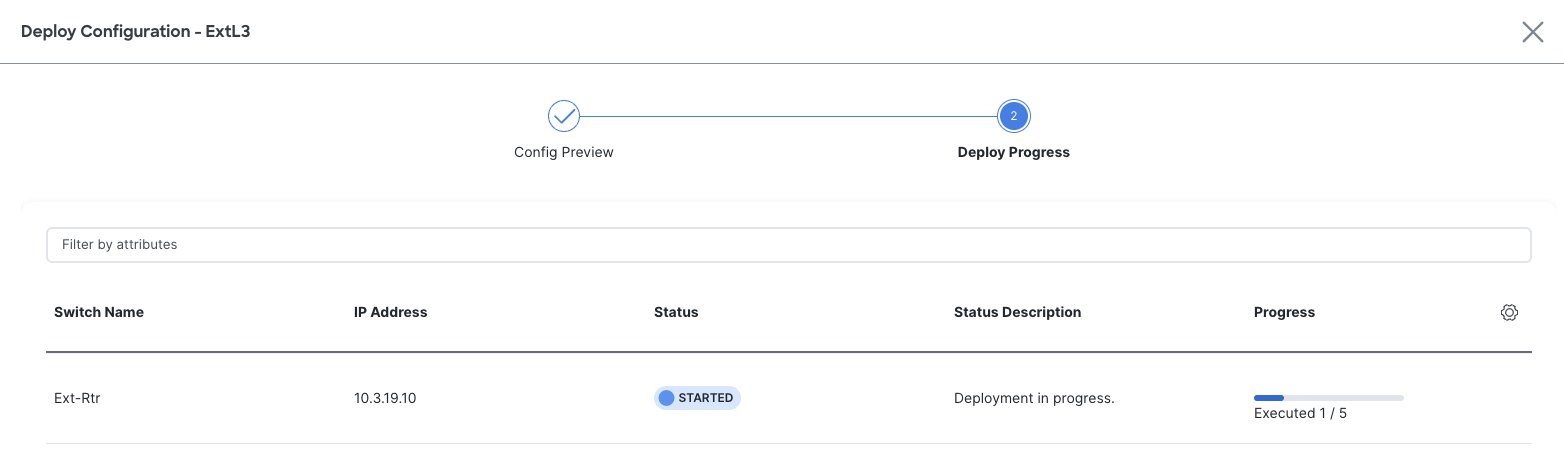
The stage moves to Deploy Progress where the Out-of-Sync status will change to STARTED while NDFC deploys the device, role specific, configuration. Make note that you can see the progress for the executed number of lines being configured via the progress bar:
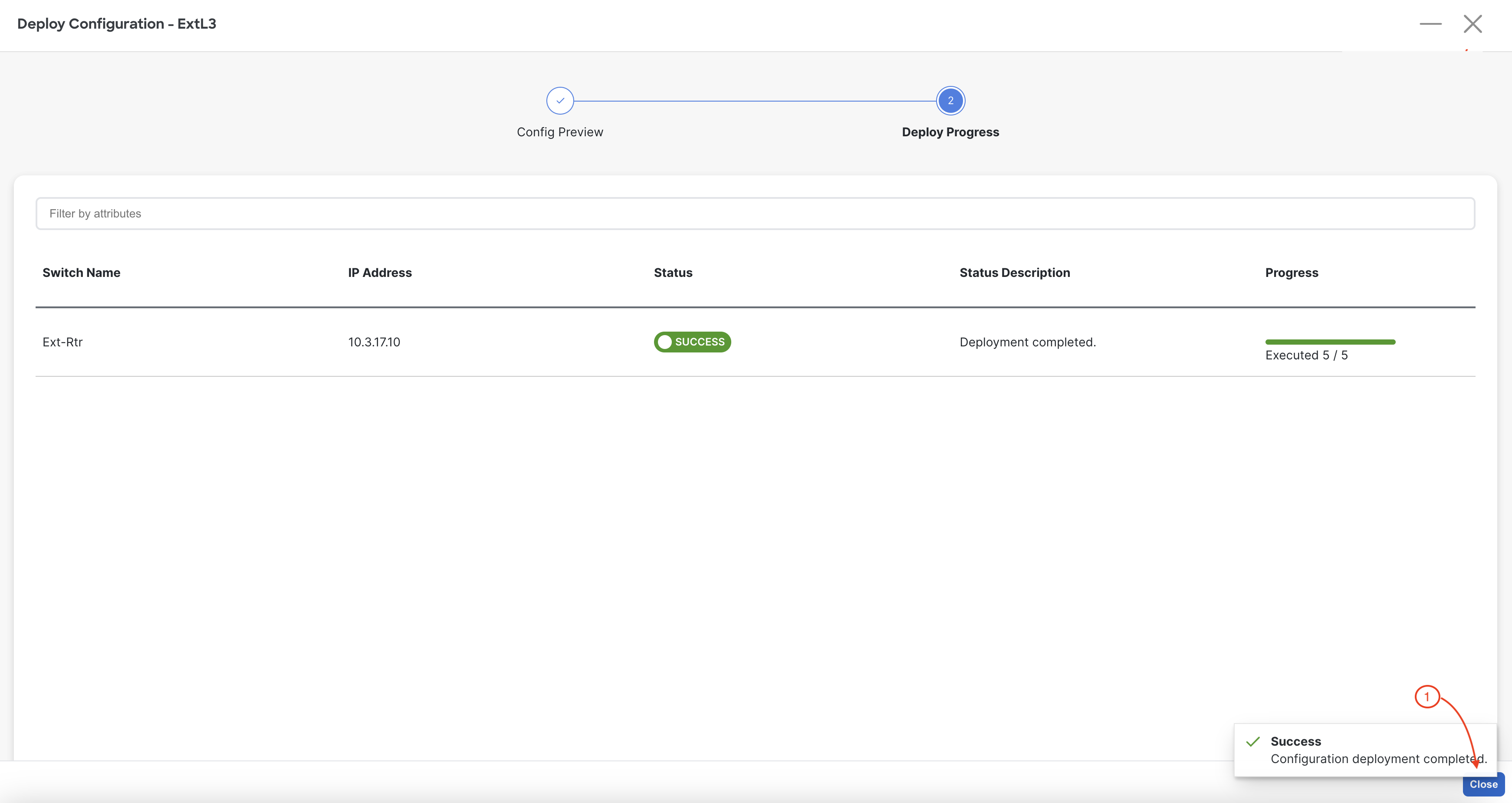
Upon a successful deployment, NDFC's Deploy Configuration wizard should look as shown in the screenshot below; all green with SUCCESS messages and each switch's expected configuration progress bar also displaying as green and fully executed. If any error occurred, NDFC will display a notification and the status reverted back to Out-of-Sync.
Back at the main Switches overview, your Ext-Rtr device should display a Config Status of In-Sync.
Revisist the main Overview dashboard and now examine what the dashboard is populated with after initial deployment.