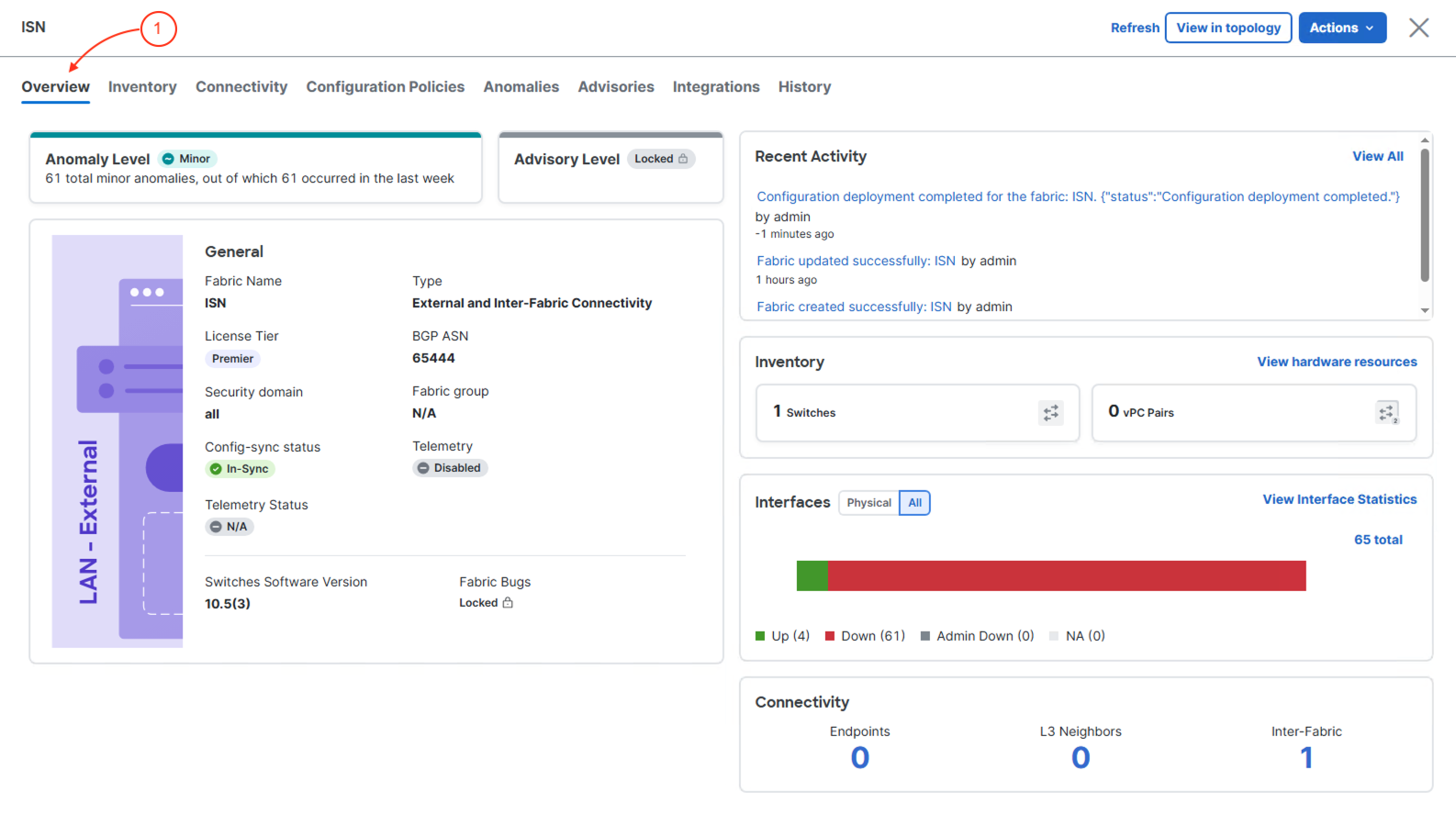
Deploy base ISN fabric configuration to border gateway switches.
Deploy the foundational ISN fabric configuration to all border gateway switches, establishing the base settings required for inter-site VXLAN EVPN connectivity.
This initial deployment prepares border gateways for VNI extensions and inter-site routing, ensuring all devices have consistent configuration before enabling tenant connectivity across sites.
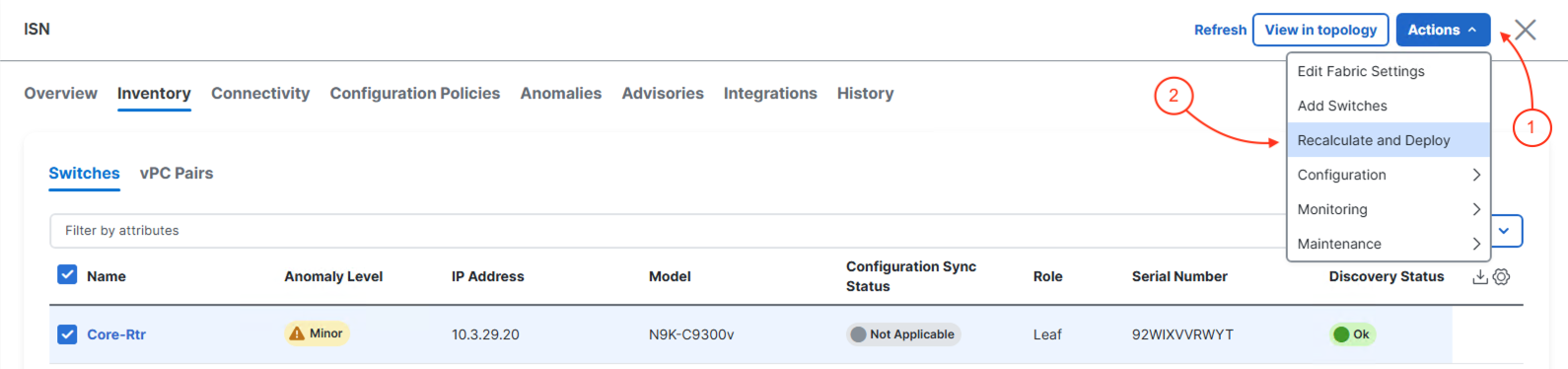
At the top right of the ISN fabric, locate the fabric-level Actions button:
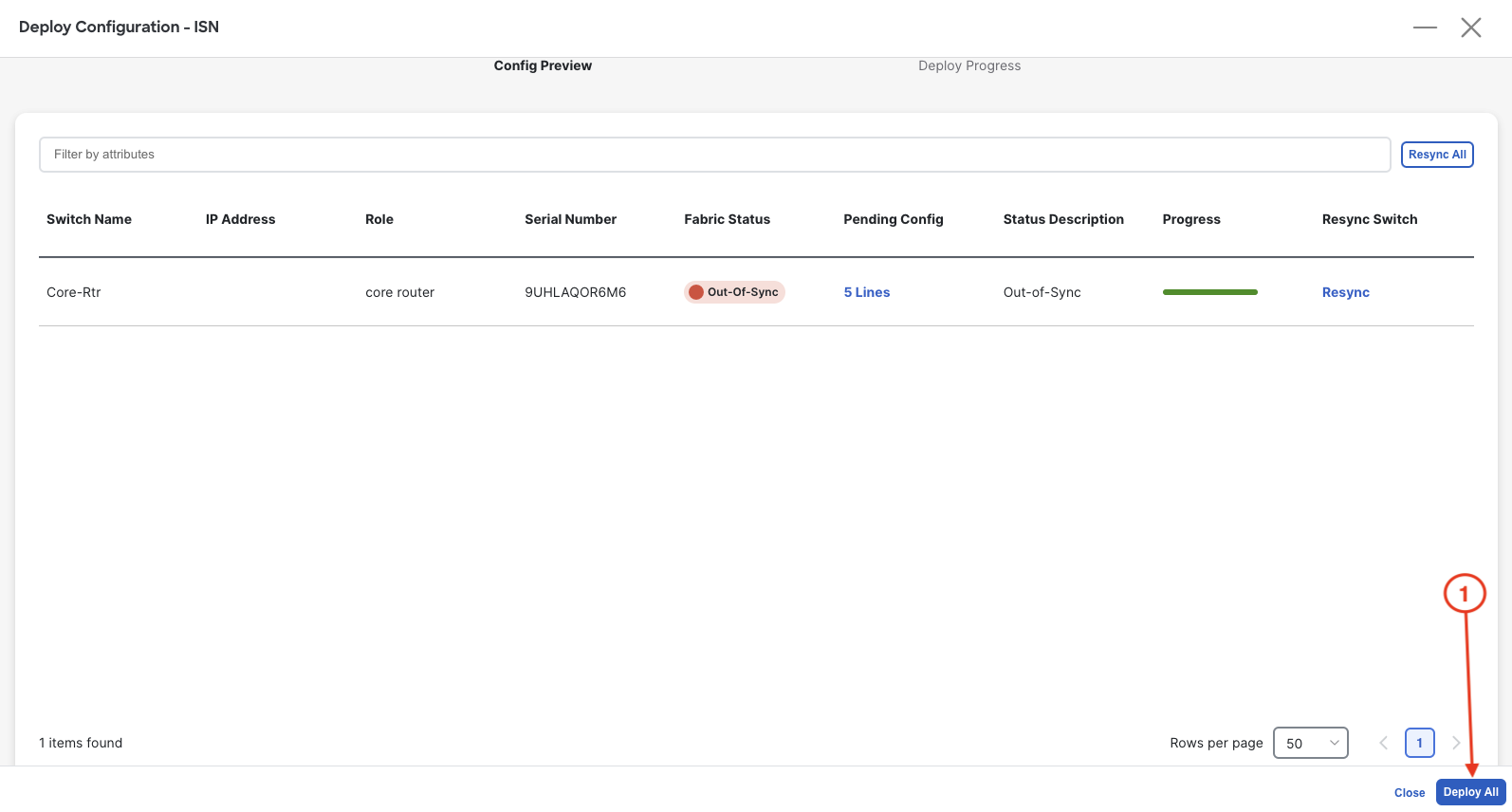
In the Deploy Configuration wizard, you can visually see that not many lines of configuration are required to be configured to your ISN fabric core device.
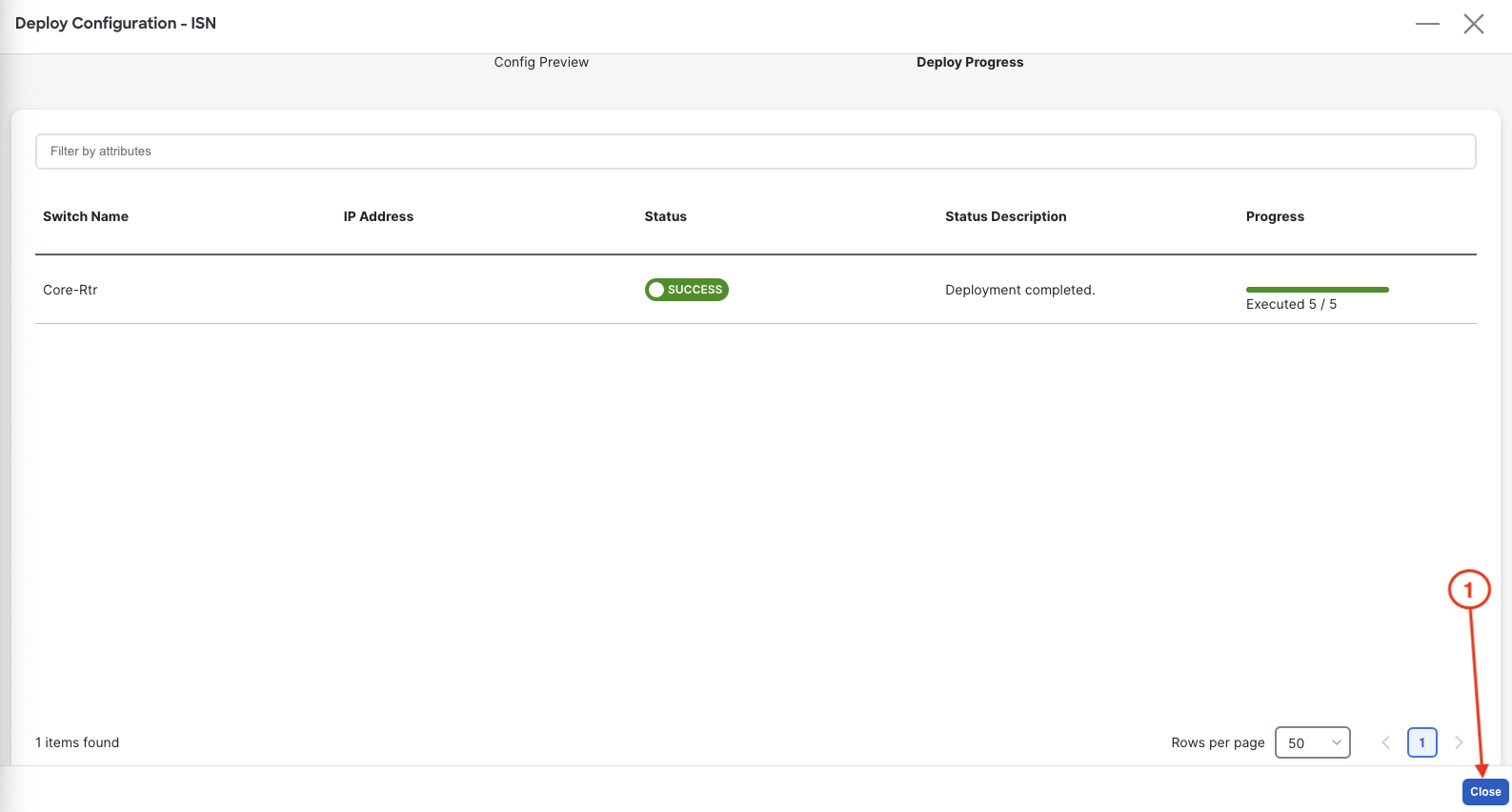
Upon a successful deployment, Nexus Dashboard's Deploy Configuration wizard should look as shown in the screenshot below; all green with SUCCESS messages and each switch's expected configuration progress bar also displaying as green and fully executed. If any error occurred, Nexus Dashboard will display a notification and the status reverted back to Out-of-Sync.
Revisist the main Overview dashboard and now examine what the dashboard is populated with after initial deployment.